When a customer has a problem, they want an immediate solution, not a reading assignment.
Most company help desks or support portals are filled with massive, text-heavy articles. If a user is trying to find a quick answer – like how to update their billing info or cancel an automatic renewal – they are forced to scroll through pages of technical instructions. When finding an answer feels like homework, customers give up and flood your support team with angry emails.
Simple AI tools can fix your support center layout. By utilizing technology to summarize long articles and provide quick text snippets, you can deliver the exact answer your customer needs in seconds.
1. Summarizing Long Manuals into One-Sentence Highlights
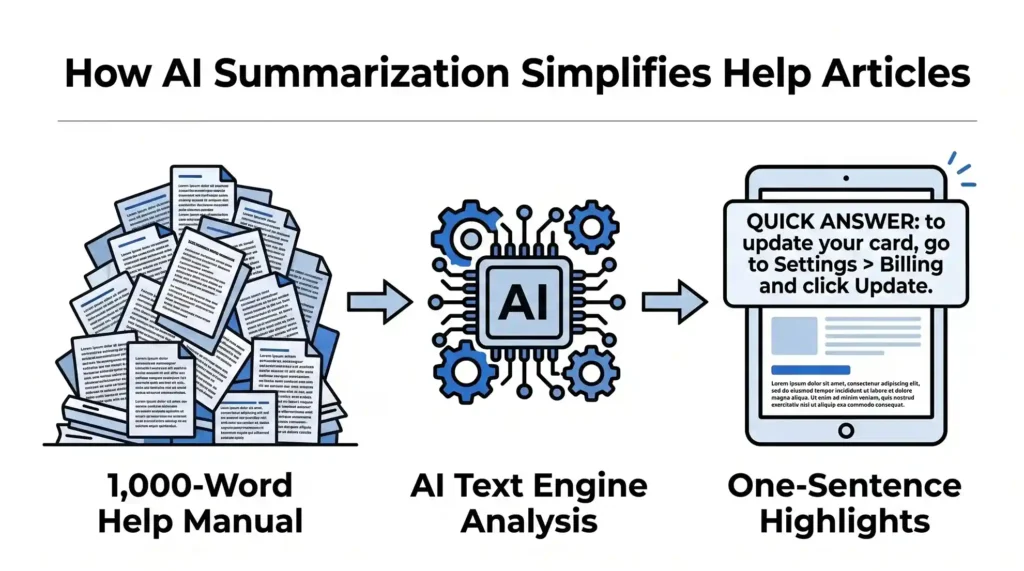
Many help articles are long because they try to explain the entire history or every single edge case of a feature. While this detail is sometimes necessary, 90% of your visitors only care about the immediate fix.
- How AI Helps: AI text engines can analyze a 1,000-word help document and automatically generate a “Quick Answer” box at the very top of the page. It extracts the core steps and writes a direct summary.
- The Benefit: Users don’t have to scan the whole page. If they see a clear box saying, “To update your card, go to Settings > Billing and click Update,” their problem is solved instantly, and they can move on with their day.
2. Using Bullet Points to Replace Dense Paragraphs
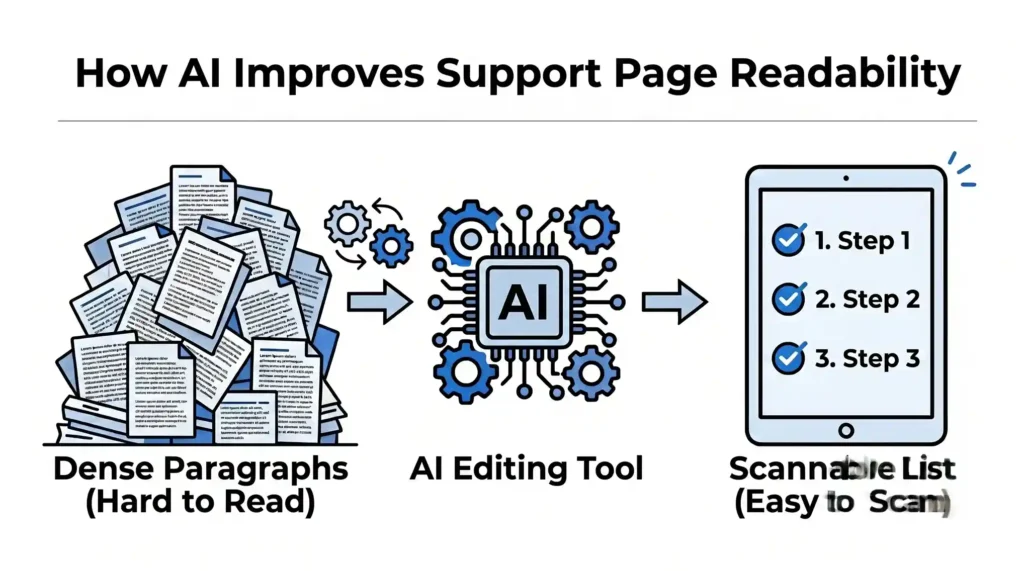
When humans write technical documentation, they often write in long, complicated paragraphs. Dense blocks of text are incredibly hard to read, especially for a frustrated customer browsing on a mobile screen.
- How AI Helps: AI editing tools can read your existing support pages and suggest better visual formatting. The AI strips out filler words and automatically restructures paragraph blocks into clean, numbered lists or bullet points.
- The Benefit: Your help pages become highly scannable. A customer can follow a simple 3-step list much easier than a winding paragraph, which reduces mistakes and prevents frustration.
3. Creating Smart Search Bars That Understand What Users Mean
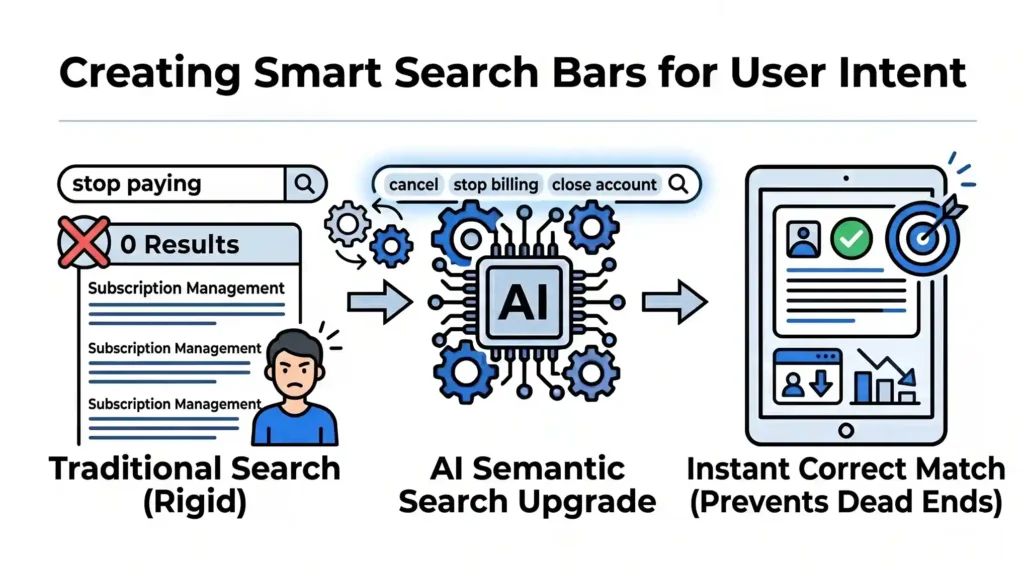
Traditional help desk search bars are rigid. If an article uses the term “Subscription Management” but a user types in “stop paying,” the search bar might show zero results.
- How AI Helps: AI upgrades your help center with semantic search capabilities. It understands the intent and everyday language behind a query. If a user types “cancel,” “stop billing,” or “close account,” the AI knows they all point to the same resolution page.
- The Benefit: It prevents dead ends. Customers get matched with the correct article on their very first try, lowering your inbound support tickets dramatically.
The Outcome: Faster Resolutions with Zero Team Effort
A successful help page does not prove how thorough your documentation is; it proves how fast you can unblock a customer. By letting AI create quick highlights, clean up paragraphs into bullet points, and power your search bar, you turn a cluttered archive into a fast-moving, helpful asset.
At Nuclay Solutions, we focus on removing friction from your digital platforms. We help you build smart help hubs that give your users instant clarity, keeping your customers happy while giving your support team their time back.
Are Your Help Pages Hiding The Answers?
Stop losing users to dense text. Connect with Nuclay to turn long manuals into fast, simple answers.
Simplify Your Support