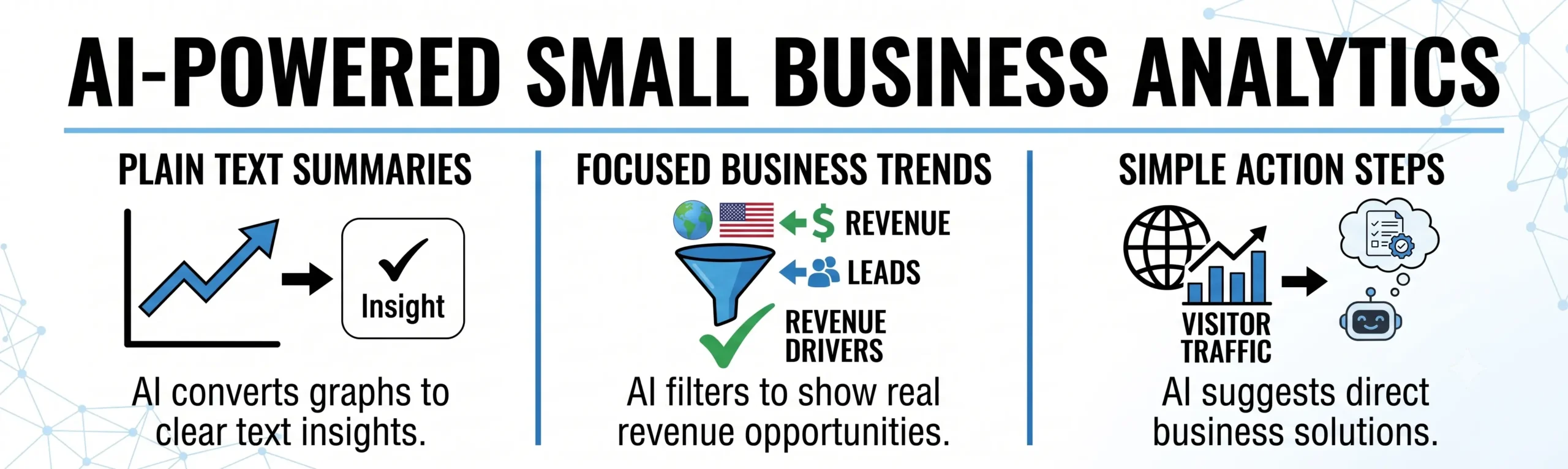
You don’t need to build a complex surveillance network just to understand how people find your website.
When business owners think about tracking website traffic, they often picture massive, highly technical dashboards filled with complicated metrics. In an effort to understand their audience, many companies over-engineer their tracking by installing heavy scripts that slow down page speeds and raise serious customer privacy concerns.
Simple, AI-assisted pattern tracking offers a better approach. By focusing on high-level patterns rather than tracking an individual’s every move, you can see exactly where your best customers are coming from while keeping your website fast and completely privacy-friendly.
1. Tracking the Customer Path, Not the Person
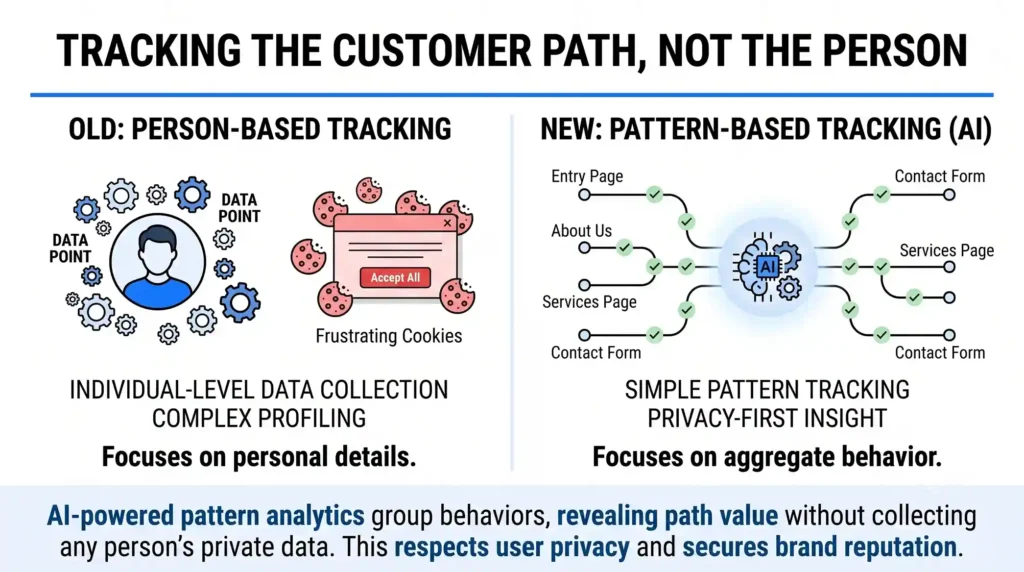
Traditional deep-analytics tracking tries to build a highly detailed profile of every specific person who clicks on your site. This requires invasive tracking cookies and long compliance banners that frustrate users.
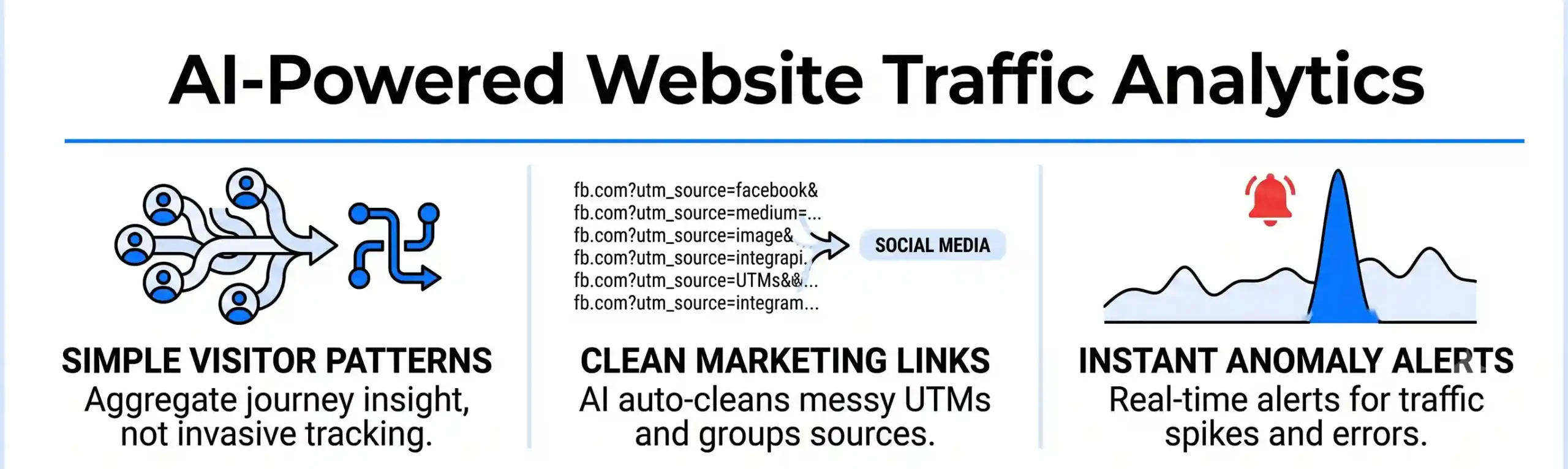
- How AI Helps: Simple AI patterns look at the aggregate journey rather than individual people. The AI group behaviors together, noticing that a broad pattern exists: for example, users who read your About Page first are 50% more likely to buy your services than those who go straight to the Gallery.
- The Benefit: You get the valuable business insights you need without collecting anyone’s personal, sensitive data. It protects your brand’s reputation and respects user privacy from day one.
2. Automatic Link Clean-Up and Source Mapping
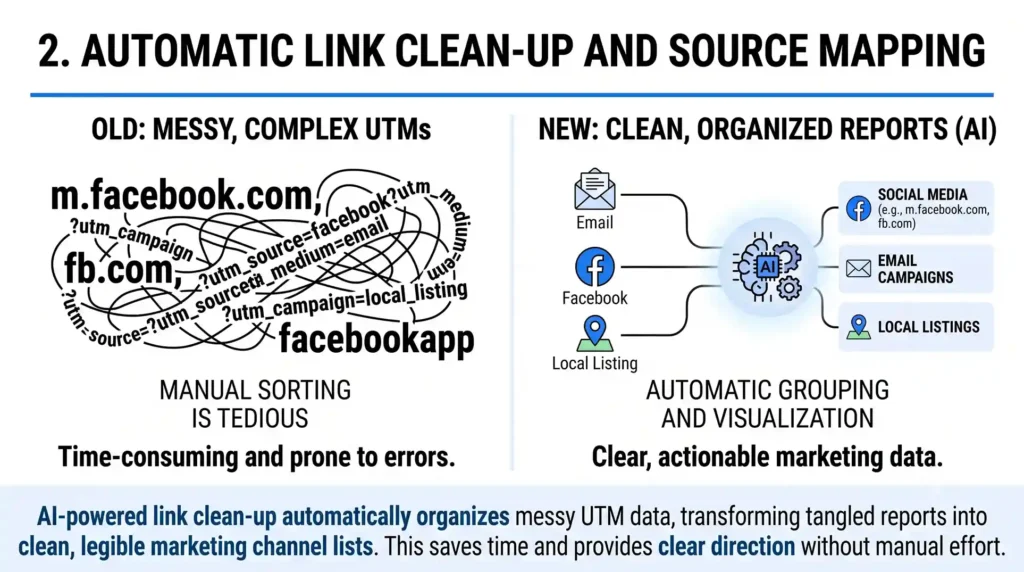
When you run campaigns across email, Facebook, or local business listings, tracking links often become incredibly long and messy (filled with complex codes called UTM parameters). Managing these links manually across multiple platforms is a tedious chore.
- How AI Helps: A simple AI layer on your backend automatically reads incoming traffic and cleans up the source codes. It recognizes variations naturally—understanding that a click coming from “m.facebook.com,” “fb.com,” and “facebookapp” all mean the exact same thing: Social Media Traffic.
- The Benefit: Your traffic reports stay incredibly clean and easy to read. You get a simple, organized list showing you exactly which marketing channels are driving real interest, without having to manually sort through messy data.
3. Spotting “Traffic Anomalies” Automatically
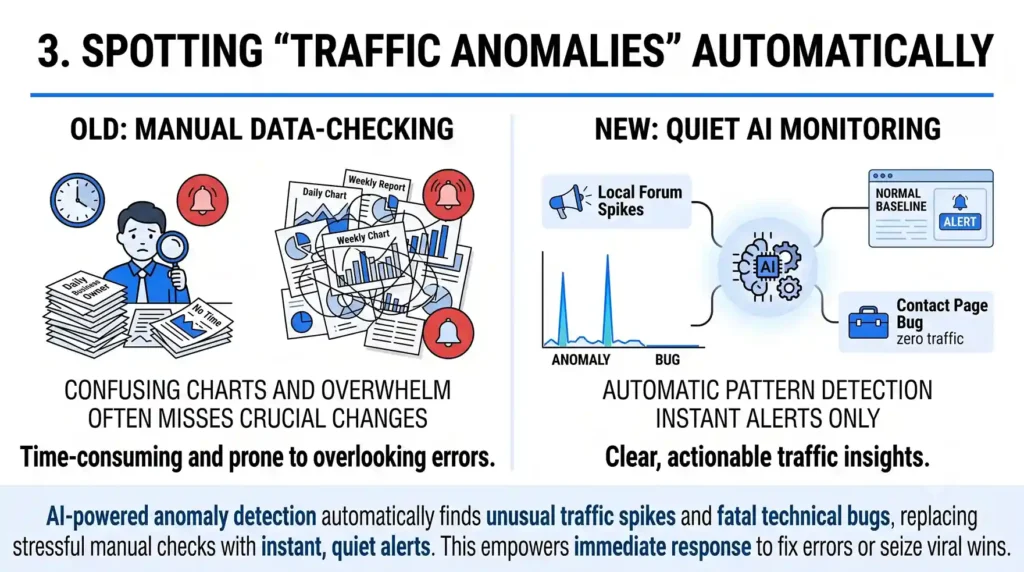
Most small business owners don’t have the time to log into an analytics dashboard every morning to check charts and graphs. Because of this, they often miss sudden spikes in traffic or technical page errors until weeks later.
- How AI Helps: Instead of making you look for data, a quiet AI monitor watches your baseline traffic levels. If your website suddenly gets an unexpected influx of visitors from a specific local forum, or if your contact page traffic drops to zero because of a technical bug, the AI flags the anomaly.
- The Benefit: You can respond immediately. The system alerts you only when something out of the ordinary happens, allowing you to fix web errors fast or lean into a sudden viral marketing win.
The Outcome: Clear Business Direction with Total Privacy
Smart website tracking isn’t about collecting as much data as possible; it’s about collecting the right insights to make clear decisions. By using simple AI patterns to group visitor paths, clean up source links, and alert you to major changes, you keep your digital platform light, compliant, and focused on growth.
At Nuclay Solutions, we believe in building web systems that respect user privacy while delivering high performance. We help you set up clean, simple traffic monitoring tools so you can understand your business growth without the administrative overwhelm.
Ready to Simplify Your Website Analytics?
Drop the heavy tracking scripts. Connect with Nuclay to focus on simple, high-impact user patterns.
Simplify Your Analytics